Videos
Short videos showing how to use Streaks.
Streaks is a habit tracker for iPhone, iPad, Apple Watch, Mac and Apple Vision Pro. A one-time purchase, with no subscription.

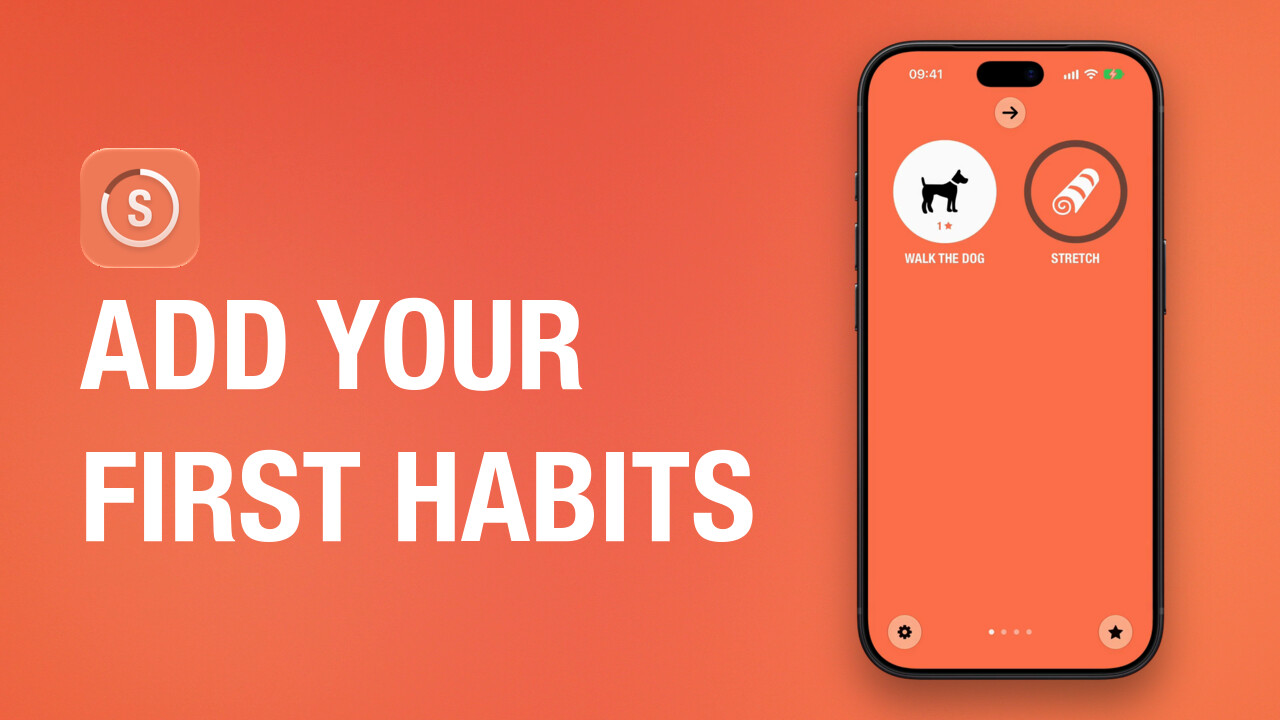 0:59Set up your first habitsHow to add a task in Streaks, from a preset or one of your own, choose its icon, complete it and change it later.
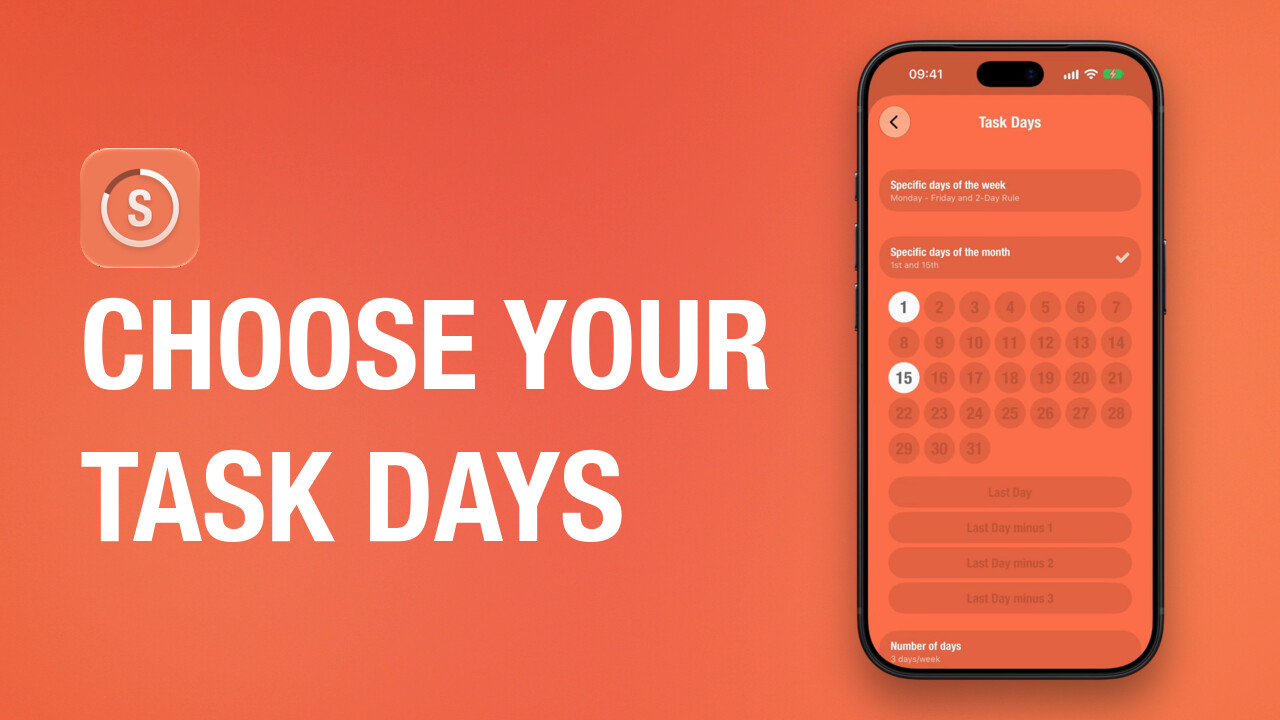 0:59Choose which days a task is dueHow to set the days a task is due in Streaks: certain weekdays, a number of days a week and the 2-Day Rule. Then how to mark a past day as completed, missed or skipped in the task's calendar.
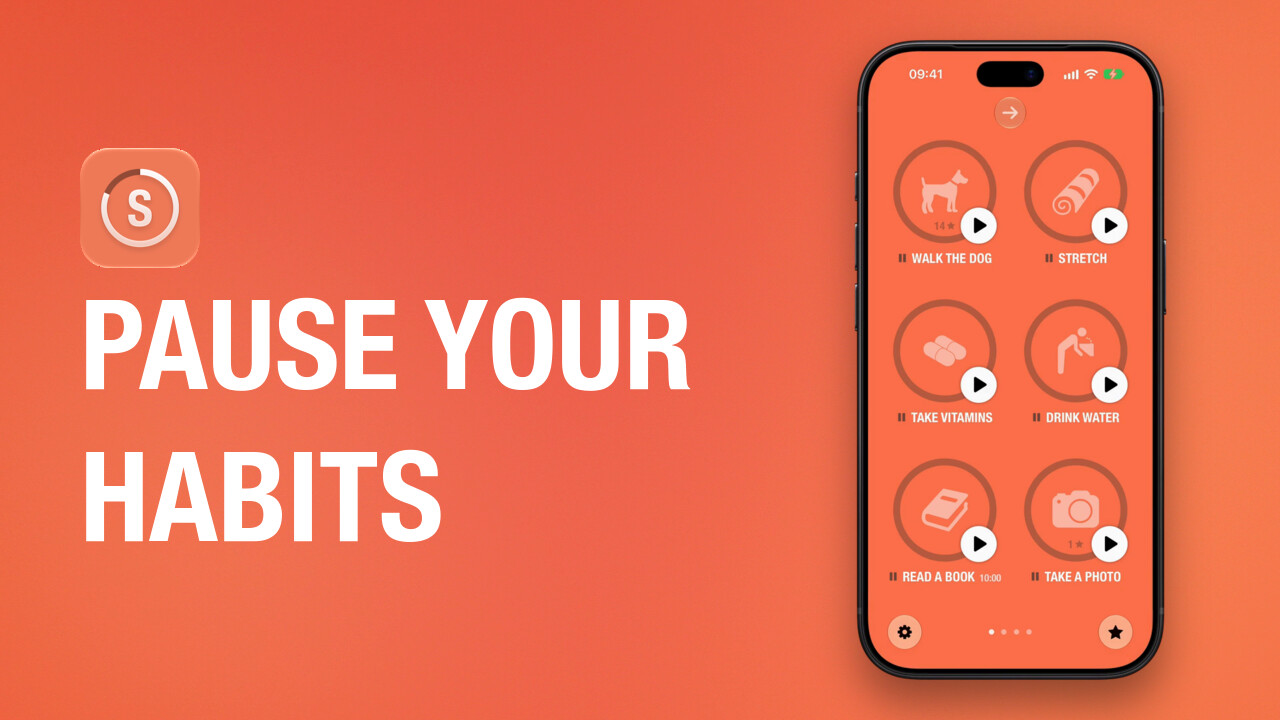 0:43Take a break without losing your streakHow to use Pause Task in Streaks, for anyone looking for a vacation mode: pause one task, a page or all tasks before a break, and resume them with your streaks intact.
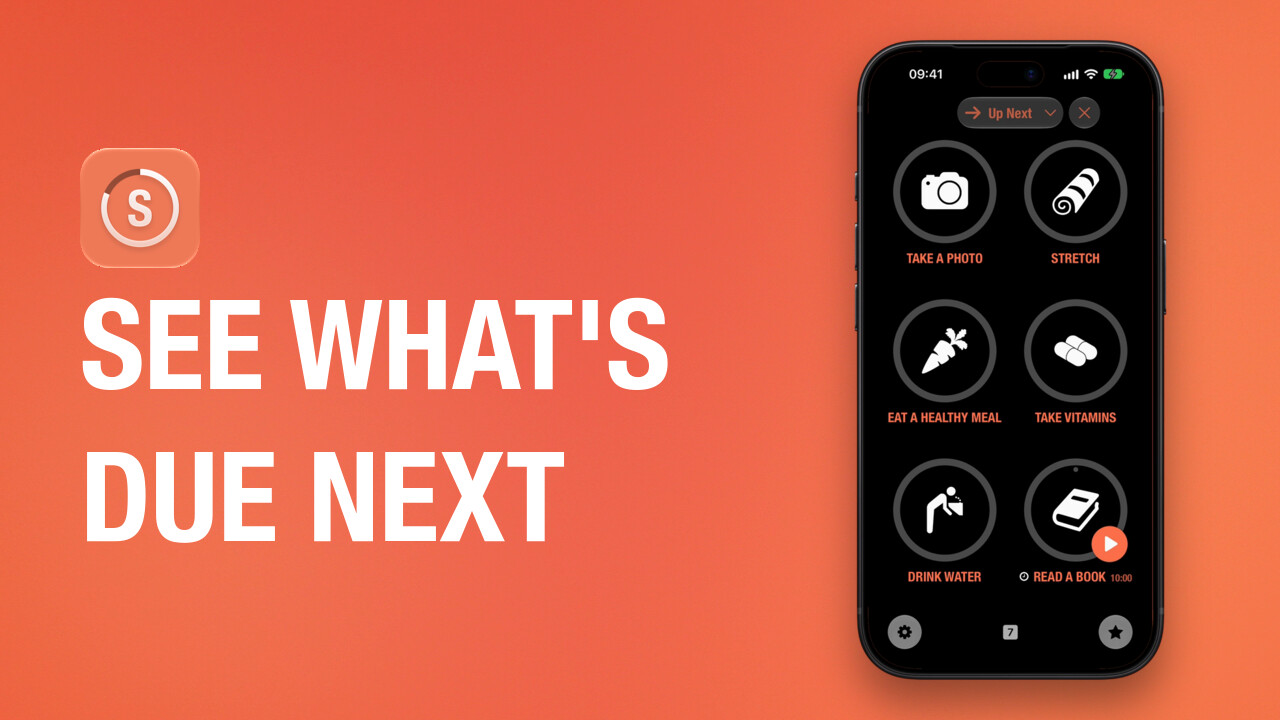 1:21Use Up NextHow to open the Up Next screen in Streaks, complete the next tasks due from any page, filter the list, and show or hide the Up Next button.
Each video is on the help page it belongs to, with its transcript. For everything else, see Support.